Navigation Item
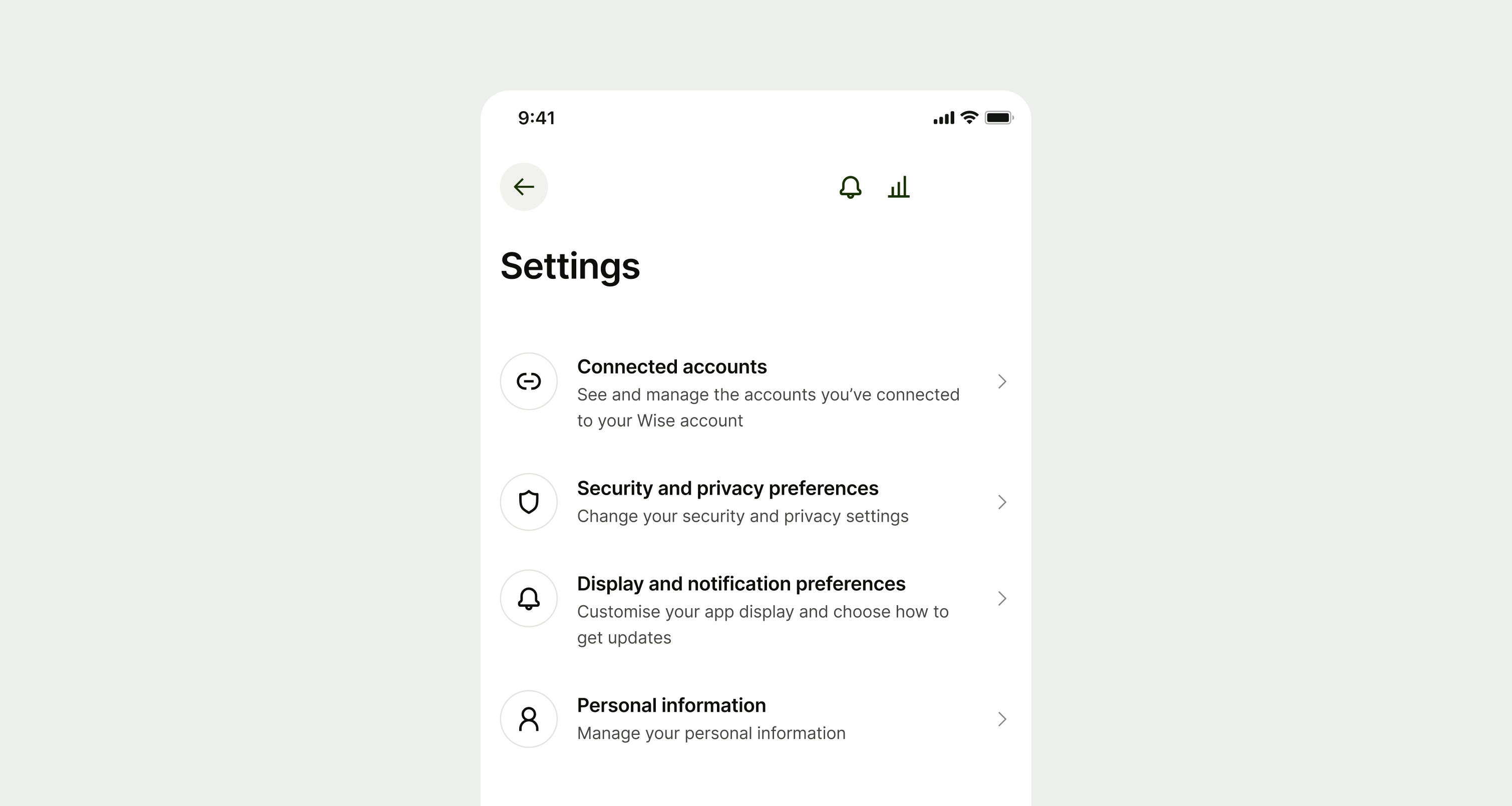
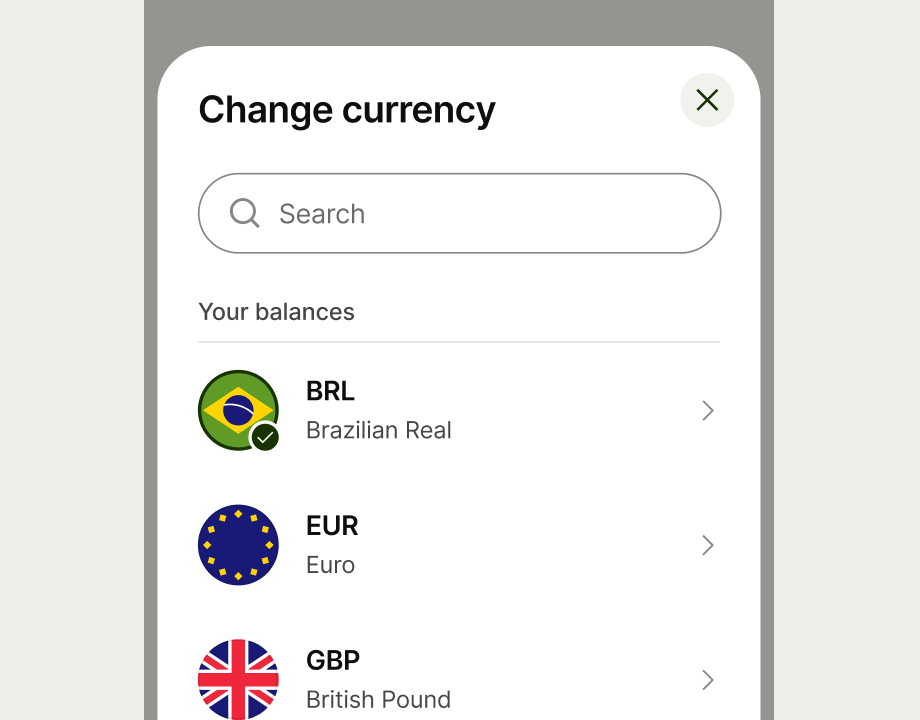
Navigation item gives users a rich way to choose between options and navigate to another screen or step in a flow.
Usage
Use:
- if you want to give the user a rich way to make a choice and navigate to another screen or step in a flow.
- if making a choice is the primary action on the screen
- if there are multiple options that the user can choose from
- if some extra context — such as an icon, image or description — would help the user understand where they'll navigate to if they select that option.
Don' uset
- to ask the user to choose options within a form — use radio or checkbox instead
- when there is just one primary option, and perhaps an alternative secondary option — use a button instead
- to display temporary information such as contextual upsells — use a nudge instead
- when the user needs to complete all the options on a screen, rather than choose one

Availability
Platform | Availability | |
|---|---|---|
Figma | ||
Android | ||
iOS | ||
Web |